Showing posts with label Xnormal. Show all posts

Sunday, 17 April 2016

Time Machine: Sci-fi Circle Map Rendering

Pylon final maps

My final normal map, though simple, I nailed the look I was going for when I set out.
Ambient Occlusion map from Xnormal. This didn't really contain enough information to correctly define the model.
Using Quixel I converted my normal map to an AO map and then used the AO map from Xnormal as an overlay, the result on the left.
Diffuse map, I used this as a guide for my albedo map, which was to be quite simple in design.
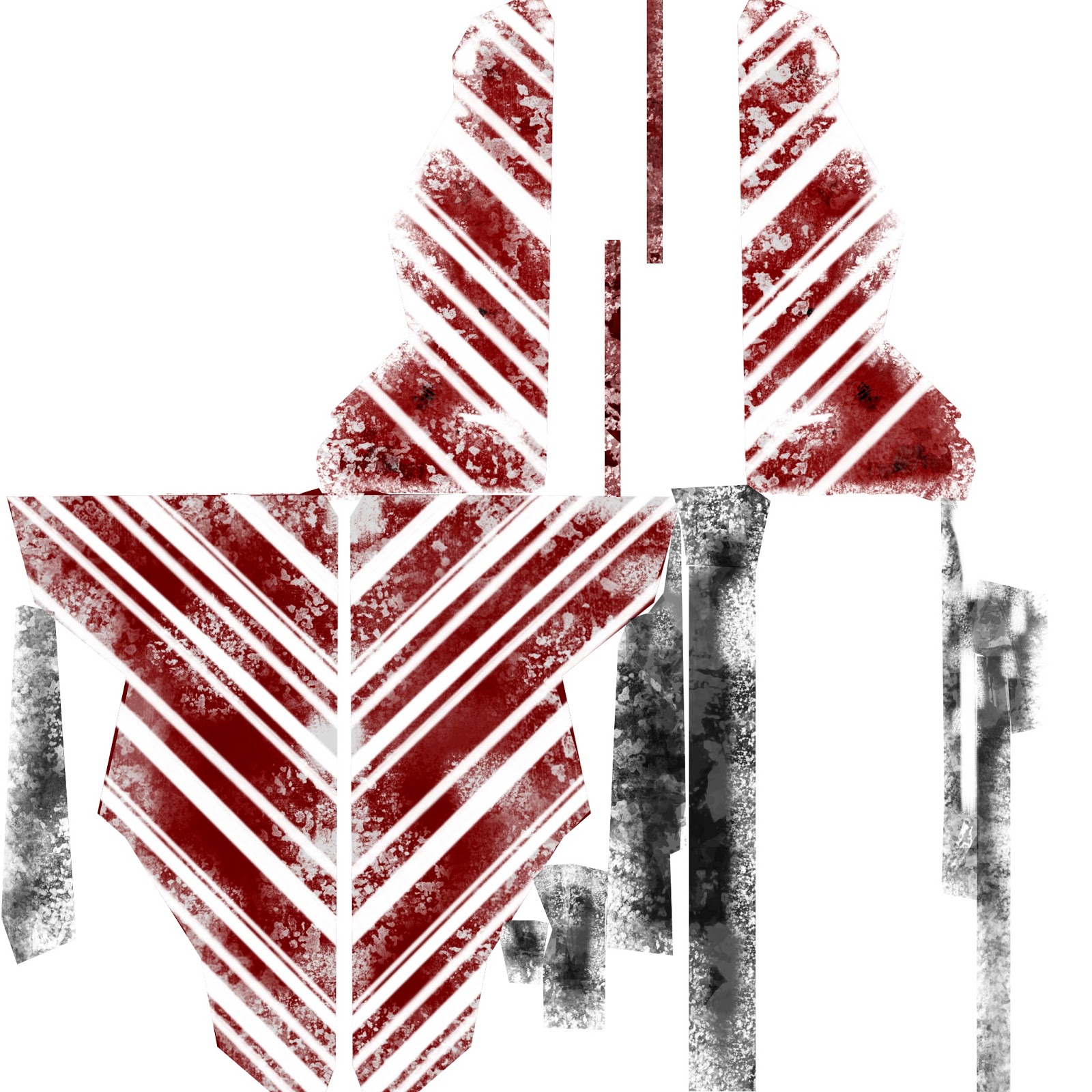
Using a brush that I had designed in a digital painting workshop I applied large red stripes. I then worked into these stripes using the eraser tool, edited the layers overlay settings and opacity change.
This is my finished albedo map, wherein I also applied black paint to some sections of the model.
My Metalness and Roughness maps. With this model anything that wan't metallic was rough, which was a boon when designing these maps as I needed only to invert the metalness map to create the roughness map.

An unused Emissive map. I was trying to apply something similar to LED strip lighting, this didn't look quite like it fitted on my model, though.
Specular map, created by converting normal map into specular in Quixel. This worked really well and helped my model look as good as it does.
We do not speak of the height map.
Object space map (unused)

Time Machine: Sci-fi Circle Normal Map


Successes and failures whilst normal mapping my pylon.

I'm unsure what happened to the map on the left, but there's heavy distortion all over the mesh and none of the information is near correct.


This normal map had my indents going in the wrong direction and looked strange on my model, this is what happened when I imported the normal map that I had baked in Xnormal to Quixel and converted it from a PNG to a PSD.
Though I liked this normal map, she indentations were a little too extreme, I fixed this in quixel.
This is the map used on my final model, which worked really well.

Damaged Pillar: Doric Column Map Renders

Albedo Map
Using two photographs of sandstone


Normal Map
Obtained from Xnormal after hours of work
Ambient Occlusion Map
Made using an AO map from Xnormal and Quixel merged together
Xnormal AO
Quixel AO
Specular map
Converted from Normal Map in Quixel

Height Map
Absolutely no, this did not work

Displacement Map
Also no, this was an absolute failure

Damaged Pillar: Doric Column Normal Mapping

1. Too low resolution

2. Not dense enough
3. What
4. This is better


5. Why are you doing this to me
6. Finally
7. This is wrong, damn you Quixel
8. Strange glitches on square face
Object space map, just to see if I could.